.jpg?max-width=780&max-height=260&quality=85)
Latest



EDITING APPS
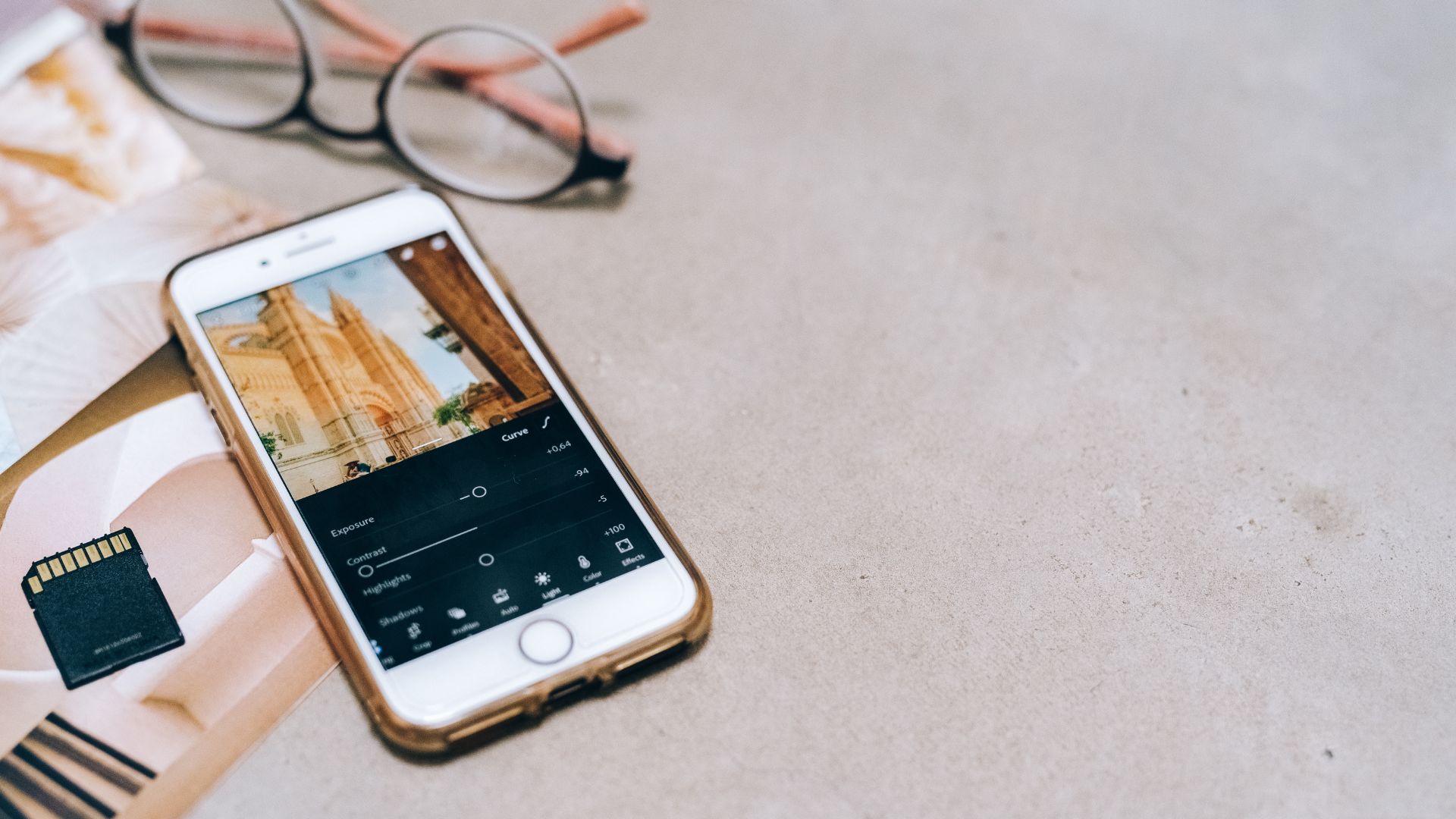
Using editing apps on your mobile is a fantastic way to enhance the quality and creativity of your mobile photos. Here are some reasons why they are beneficial, along with examples of the best apps:
Why use editing apps?
Improve photo quality: Apps allow you to adjust brightness, contrast, color saturation, and sharpness, making your pictures more visually appealing.
Creativity and style: Add filters, effects, and text to give your images a unique style or create collages.
Simplicity and speed: Editing directly on your phone is convenient and requires no advanced equipment.
Professional features: Many apps offer tools like selective adjustments, raw editing, and retouching for advanced results.
Examples of top editing apps:
Snapseed
Offers basic and advanced features like selective editing and filters. Perfect for both beginners and experienced users.
Adobe Lightroom Mobile
Powerful tools for adjusting colors, contrast, and exposure. Supports raw files and syncs with other devices via Adobe Creative Cloud.
VSCO
Known for its high-quality filters that give photos a professional look. Includes basic editing tools and a platform for sharing images.
Photoshop Express
Quick edits with automatic corrections and tools for removing spots and dust. Allows work with raw formats and direct sharing to social media.
PicsArt
A creative app with a wide range of filters, effects, and collage-making options. Particularly suitable for portraits or artistic effects.
Afterlight
Over 250 filters, textures, and frames to experiment with different styles. Easy to use for quick enhancements.
By exploring these apps, you can find the one that best suits your needs and style. Mobile editing makes it simple to create stunning images directly from your phone!